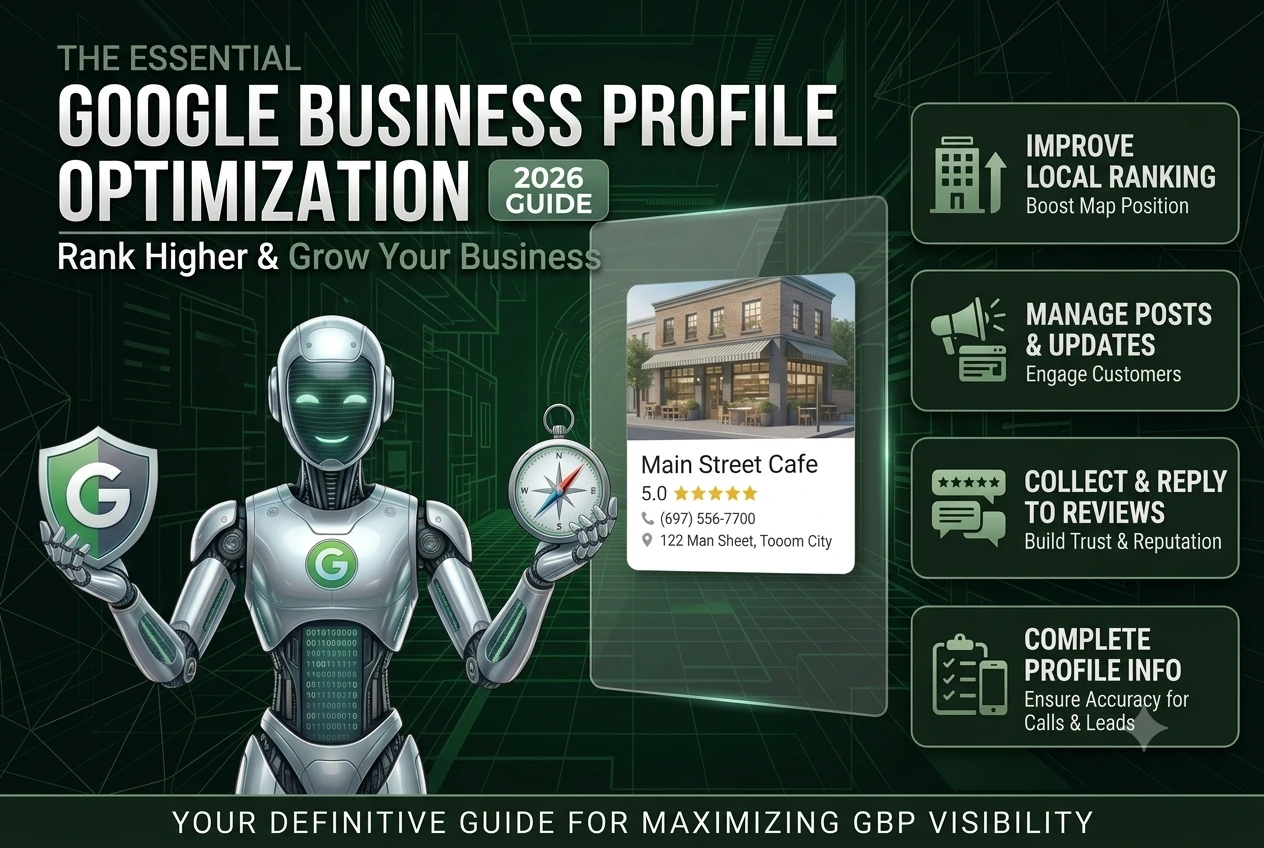
This guide is simple, practical, and focused on real results.
What is Google Business Profile?
Google Business Profile is a free business listing that allows your business to appear in:
It is one of the most powerful tools for local SEO and business listings.
A well-optimized profile can bring more leads than your website alone.
Why Google Business Profile Optimization Matters
If your profile is not optimized:
If your profile is optimized:
Google also prefers complete and active profiles for better visibility.
How Google Ranks Business Profiles
Google uses three main factors:
Relevance
Your business must match what users search
Distance
Your business should be near the customer
Prominence
Your business authority depends on reviews, activity, and business listings
To win in local SEO, you must optimize all three factors.
Complete Google Business Profile Optimization Checklist
1. Choose the Right Business Category
Your category is one of the strongest ranking factors.
2. Optimize Business Name Properly
Use your main keyword naturally.
Example:
Quick Fix Door Garage Door Repair
Do not use too many keywords.
3. Write a Clear and SEO-Friendly Description
A clear and keyword-optimized description improves visibility.
4. Add Services and Products
List all your services.
This helps your business appear in more search results and improves local ranking.
5. Upload High Quality Images
Google prefers complete profiles with photos and videos.
Adding high quality images:
6. Collect and Manage Reviews
Reviews are one of the most important ranking factors.
Good reviews improve trust and local SEO performance.
7. Use Google Posts and Post Updates
Google posts are very powerful.
You should share:
Regular post updates show Google that your business is active.
8. Maintain Accurate Business Listings
Make sure your business information is consistent across all platforms.
This includes:
Consistent business listings improve trust and local ranking.
9. Add Complete Business Information
Complete profiles perform better in local search.
10. Track Performance and Improve
Use data to improve your strategy over time.
Advanced Google Business Profile Strategies (What Most Blogs Miss)
Most blogs only explain basic tips. But to rank higher, you need advanced strategies.
1. Optimize for Local Search Intent
Use keywords like:
- door repair near me
- local SEO services
- emergency repair
This helps you appear in high-intent search results.
2. Build Strong Business Listings
List your business on trusted directories.
These citations improve your authority and local ranking.
3. Stay Active Every Week
Google rewards active profiles.
- Add post updates
- Upload images
- Reply to reviews
Inactive profiles lose ranking over time.
4. Focus on Customer Experience
Happy customers leave reviews.
Better reviews lead to better rankings.
5. Create a System, Not Just Setup
Most businesses optimize once and stop.
That is a mistake.
Google Business Profile needs continuous work like:
- Weekly Google posts
- Regular updates
- Ongoing review management
Consistency is the key to long-term local SEO success.
Common Mistakes to Avoid
- Keyword stuffing
- Ignoring reviews
- Not posting updates
- Incomplete business listings
- Wrong business category
These mistakes reduce your local ranking.
How to Get More Calls and Leads
To increase calls from your profile:
Conclusion
Google Business Profile optimization is not optional anymore.
It is one of the most powerful ways to:
- Improve local ranking
- Appear in search results
- Get more customers
If you want to grow your business, you must take it seriously.
Ready to Grow Your Business?
If you want professional help with:
- Google Business Profile optimization
- Local SEO
- Business listings
Contact Sajid Ali today for a free audit and start getting real results.